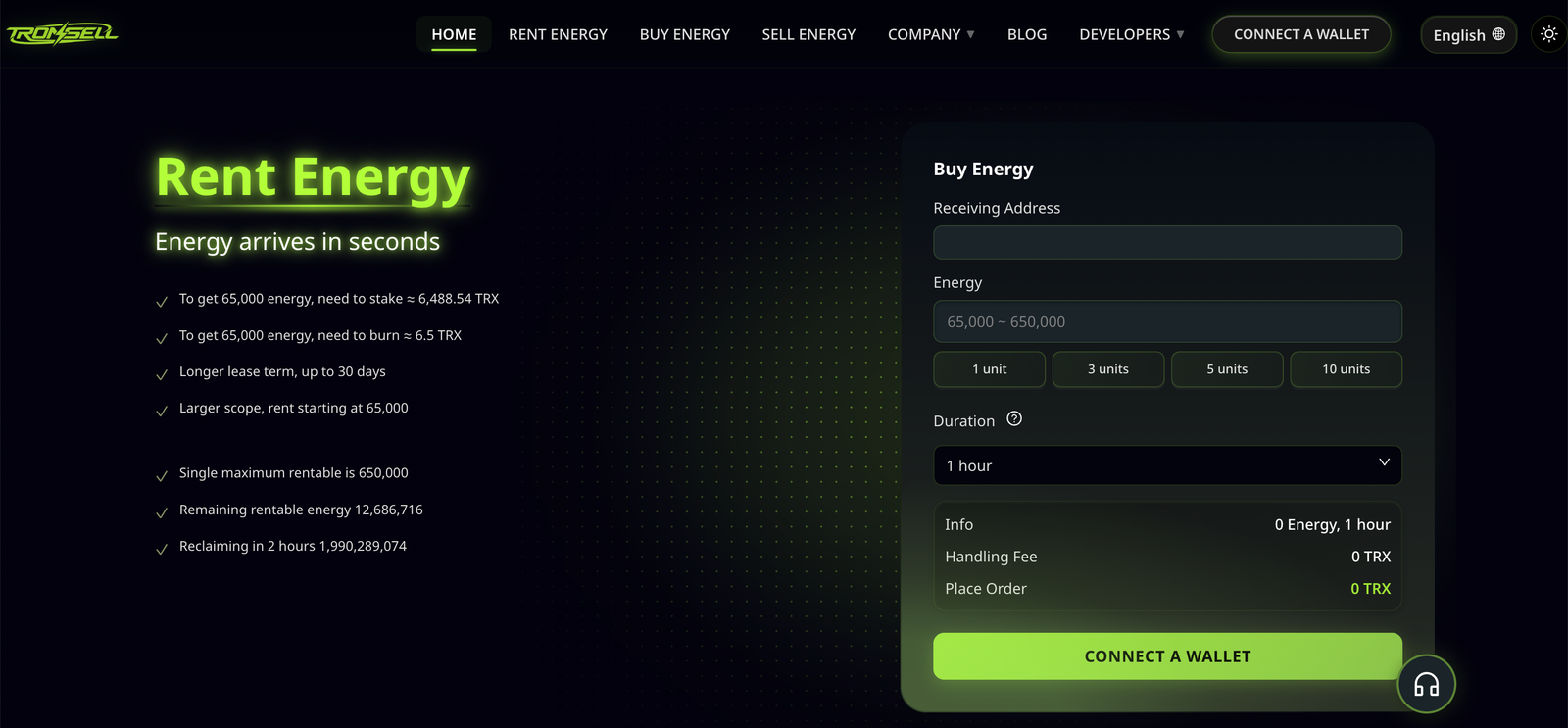
Two people rent TRX energy, execute the same USDT transfer on the same day to the same recipient, and one succeeds while the other gets OUT_OF_ENERGY. Neither is lying, and neither is unlucky. They used different clients. When you rent TRX energy, the quantity is a marketplace decision, but whether that quantity is actually usable is decided by whichever piece of software signs the transaction.
The differences are not cosmetic, and they are easy to miss when you rent TRX energy and assume the market’s answer is the final one. The same operation presents a different set of fields in a browser extension, a mobile app, a hardware wallet, an exchange withdrawal form, and a script. Some show a fee ceiling you can edit, some set one you cannot see, and some do not have the concept at all. The result is a class of failures that looks like a provider problem and is actually a client problem.
This article maps the four common environments, names what each one gets wrong, and gives a parameter checklist that holds across all of them.
Same Transfer, Four Different Screens
Start with what actually varies after you rent TRX energy and hand the job to a client. A TRC-20 transfer is a contract call, and a contract call carries several parameters beyond the recipient and the amount:
| Parameter | Why it matters | Visible in most clients? |
|---|---|---|
| Fee limit | Caps usable energy regardless of what you hold | Sometimes, often collapsed |
| Energy display | Tells you whether your delegation is present | Usually, but “available” and “limit” get confused |
| Memo field | Needed for exchange deposit routing | Sometimes hidden behind a toggle |
| Broadcast fee | Bandwidth charge, separate from energy | Rarely shown before signing |
The fee limit is the one that causes failures. It is also the parameter most often hidden behind an “advanced” panel, prefilled with a value chosen for a different situation, or missing entirely from the interface.
Where the Divergence Comes From
Four sources cause the divergence, and it helps to know which one you are looking at when a transaction you provisioned fails:
- Different defaults. Clients ship with a pre-filled ceiling intended as a safety cap. It is chosen to protect a casual user from a malicious contract, not to cover a first-time recipient of a large token transfer.
- Different concepts. Some clients think in “energy” and show units. Some think in “bandwidth and energy” and show both. Some show only the token amount and hide everything else, which is fine until it is not.
- Different moments of estimation. A client that estimates energy before signing may compute a figure for the current recipient state; if the state changes between estimation and broadcast, the estimate is stale.
- Different signing paths. An extension signs locally with a key in the browser. A hardware wallet signs on the device. An exchange signs on its own infrastructure and may not expose the contract parameters at all.
When you rent TRX energy and the transfer still fails, the second question — after “is the delegation there” — is “which client produced this transaction, and what did it put in the ceiling”.
The Browser Extension
For anyone who rents TRX energy from a desktop, the extension is the most common environment and the easiest to diagnose, because everything is on screen if you open the right panel.
Two habits make it reliable:
- Open the advanced settings before confirming. The fee limit is usually there, sometimes under a gear icon or an “advanced” link. If it is below the cost of your transfer, the transfer will fail no matter how much energy you bought.
- Check the energy reading, not just the balance. Extensions typically show energy available and an energy limit. Available is what you can spend now; limit is the ceiling of what you could hold. A transfer that needs 130,285 units against an available figure of 65,000 will fail, and the screen may still look healthy because the token balance is correct.
The extension is also where the most common false conclusion gets formed: “I have energy, so the problem must be the provider.” The extension is showing you what you hold; it is not showing you what the transaction is allowed to spend.
The Mobile App
Mobile clients compress the interface, which matters most if you rent TRX energy and pay first-time recipients from a phone: compression hides the two fields that matter. The usual pattern is a confirmation screen that shows recipient, amount, and a fee estimate, with the ceiling either fixed or tucked away.
Practical consequences:
- You often cannot change the ceiling at all. If the app does not expose it, then the app’s choice is your constraint, and paying more for energy will not fix a transfer the app refuses to authorise.
- The fee estimate is an estimate. Mobile clients frequently display an estimated fee that assumes a successful call. A failed call can cost more than the estimate shown, because the estimate priced a completed transfer.
- Screenshots are not evidence. If you need to prove what happened, the app’s confirmation screen is not proof of anything — the transaction hash is.
If your operation runs on mobile, the useful workaround is to move anything above small value to a client that exposes the ceiling. Paying a first-time recipient from an app you cannot configure is a coin flip.
The Hardware Wallet
Hardware wallets add a step that is genuinely protective and occasionally confusing: the parameters are composed by companion software and confirmed on the device.
What that means in practice:
- The device shows you what it is signing. If the amount and recipient match, that is a meaningful confirmation of intent. It is not a confirmation that the ceiling is adequate, because the device typically shows the transfer, not the contract parameters behind it.
- The companion app sets the ceiling. All the extension advice applies to the companion software, and the device adds a physical confirmation, not a better default.
- Blind signing is the risk. If a transfer requires signing data the device cannot parse, you are approving something you cannot read. For a plain TRC-20 transfer this should not be necessary; if a workflow demands it, treat that as a design problem in the workflow.
The hardware setup is the best answer for custody and the worst answer for quick diagnostics, because the two screens — companion and device — can disagree about what you are looking at.
The Exchange Withdrawal Form
Withdrawing USDT to a TRON address from an exchange removes almost all of your control, and this is where most “my energy did not help” stories actually originate.
The exchange signs the transfer from its own wallet, using its own energy or its own burn. Your energy delegation is irrelevant, because the transfer is not coming from your address. What you are paying is the exchange’s withdrawal fee, which bundles their cost, their margin, and their choice of method.
Three things to check before assuming your rental should have helped:
- Which address is the sender. If the transaction originates from an exchange wallet, no delegation to your address can reduce it.
- Whether the memo or tag is required. Some venues route deposits by memo rather than by address. Omitting it can lose the deposit, and nothing about energy affects that.
- Whether the fee is fixed or variable. A fixed withdrawal fee means the exchange keeps the difference when the network is cheap. That is not a malfunction; it is the pricing model.
The one place energy matters here is the receiving side: if the exchange’s deposit wallet is a fresh address, the sender pays more, and if you are the sender to a fresh address the doubled requirement applies to you.
The SDK and the Script
If you rent TRX energy for an automated pipeline, the programmatic path is the only one where you control everything, and therefore the only one where every failure is yours. It is also the path where the ceiling is easy to leave at a tutorial default.
Two things to get right when you rent TRX energy for an automated pipeline:
- Set the ceiling explicitly per batch. Not per transaction with a fixed number, and not inherited from an example. Size it against the worst case in the batch and leave headroom above it.
- Record the parameters you sent. Log the recipient, the amount, the ceiling, and the resulting hash. When a transfer fails, the log tells you whether the ceiling or the quantity was binding, and that distinction decides the fix.
Scripts also make a specific mistake easy: reconstructing a transaction after a timeout and accidentally sending twice. That has nothing to do with the ceiling and everything to do with treating a lost response as a failed send.
A Parameter Checklist That Works Everywhere
Whatever the client, these six checks cover the failure modes that actually occur:
- Sender address is yours. If it is not, your energy is not in play.
- Energy available is at least the requirement for this recipient: about 64,285 if they already hold the token, about 130,285 if they do not, plus a fixed constant if the account is not yet activated.
- Fee ceiling converts to at least that requirement at the current burn rate, with headroom.
- TRX balance covers bandwidth and, for a new address, the account creation charges.
- Recipient address is activated, or you have accepted the activation cost.
- Memo or tag is present if the destination requires one.
Checks two and three are the ones that differ between clients, and they are the two that produce “I rented enough and it still failed”. If you want a monitoring routine rather than a manual checklist, the thresholds worth watching cover the same ground on a schedule.
Why the Divergence Costs Money
Three ways, in increasing order of expense.
Wasted rental. You rent TRX energy sized for the job, the client caps the transaction below that size, the transfer fails, and the energy expires unused. You paid for capacity that was never allowed to be used.
Repeated failure. Retrying from the same client with the same hidden ceiling reproduces the failure at full cost, once per attempt. This is the most common way a small problem becomes an expensive one.
Misdiagnosis. The failed transfer gets attributed to the provider, the provider is replaced, and the new provider produces identical failures from the same client. Months can pass before anyone opens the advanced panel.
The third is the real cost. Replacing a working supplier because your wallet imposed a ceiling is an expensive way to learn where the ceiling lives.
Boundaries
Three qualifications.
First, client interfaces change. Specific menu names and field placements in any wallet are versions in motion, so treat the descriptions here as categories of behaviour rather than a how-to for one release.
Second, a wallet that hides the ceiling is not broken. Hiding it is a reasonable default for users who will never need it. The problem only appears when your transfers fall outside the assumption behind that default — which is exactly the case for first-time recipients and larger amounts.
Third, none of this makes hardware wallets or exchanges bad choices. They optimise for different things: custody, and convenience. The point is to know which parameter you have handed over, so that when a transfer fails you look in the right place first.
If you rent TRX energy regularly, the practical rule is short: know which client produced the transaction, and know what it put in the ceiling. Everything else in the failure chain is visible on chain; that one field is the part that only your software knows.