This comes up often: the USDT balance shows correctly in Exodus, every other part of the wallet behaves normally, and the send button will not respond. The message reads “not enough TRON for the fee”.
Nothing is frozen and nothing is lost. The transaction was never broadcast to the chain. Exodus verifies the balance before it signs, and the moment it finds TRX short of the network fee, it stops the flow right there.
The cause comes down to one rule of the TRON network: every transfer is paid for in TRX, and the token you are sending cannot cover its own fee. Below I go through what the message means, what the fee actually comes to in your case, and three fixes — starting with the quickest.
What the message is telling you
Exodus takes no fee of its own on a TRON send; the whole amount goes to the network. So when the wallet says you are short, there are only two possibilities:
- Your TRX balance is zero, or below what this transfer costs.
- Your TRX balance covers the cheap case but not the expensive one — enough for a send to an address that already holds USDT, not enough for a first-time recipient.
Both are caught at the signing stage. That is why there is no transaction hash to look up and nothing to wait for: the transaction was never created.
Why USDT cannot pay its own fee
TRC-20 USDT is not a separate coin stored in your wallet. It is an entry inside the Tether contract that records how much of the token your address holds. Sending USDT means calling that contract: your entry goes down, and the receiving address’s entry goes up.
TRON charges for contract execution in energy, and energy is bought with TRX at a fixed on-chain rate: 100 SUN per unit, which works out to 0.0001 TRX. If you have not set energy aside, the network takes that TRX straight out of your balance and burns it.
A plain TRX transfer does not touch a contract at all, so it needs no energy — only bandwidth, and every account gets 600 units of free bandwidth a day. A USDT transfer is the opposite: it always needs energy. That energy is either prepared in advance (staked TRX or a rental) or bought on the spot by burning TRX. That is where the difference sits: an address holding only a little TRX can send TRX out for free over bandwidth, yet moving one dollar of USDT costs about 6.43 TRX. Two different resources, charged separately.
The fee is set by the receiving address, not by the amount you send
Public transfer records show one of only two energy figures for a TRC-20 USDT transfer:
| Receiving address | Energy | TRX burned with no energy held | At TRX ≈ $0.33 |
| Already holds USDT | 64,285 | 6.43 TRX | ≈ $2.12 |
| USDT balance is zero | 130,285 | 13.03 TRX | ≈ $4.30 |
The gap has a single cause. If the recipient’s USDT balance is zero, the transfer usually needs close to twice the energy it would take when the address already holds some, because the contract has to write a new balance record. What each figure covers, and why one is double the other, is set out in how much TRON energy a USDT transfer needs.
Two consequences follow, and both matter in practice:
- The amount is irrelevant. Sending 10 USDT and sending 10,000 USDT to the same address consumes exactly the same energy, because the contract does the same work.
- In many cases you cannot tell beforehand which one you are in. Exchange deposit addresses, people who send and receive USDT regularly, merchants with a payment history — all cheaper. An address that has only ever held TRX — the cost doubles.
Exodus’s own documentation says the same: a transfer to an address that does not yet hold that TRC-20 token may cost more, because the contract has to initialise a token balance record for that address.
Those two figures describe what the TRON network charges the USDT contract right now. For heavily used contracts the network raises that rate, so 64,285 and 130,285 are current reference values rather than fixed constants; the one thing that holds is the near-doubling between them.
The second transfer of the day also pays a bandwidth fee
A TRC-20 transfer may consume around 345 bandwidth points, while an activated TRON account usually has 600 free bandwidth points a day. So if the first transfer uses about 345, the free allowance left may not cover a second transfer of about 345, and the shortfall has to be paid by burning TRX. At 1,000 SUN per point, 345 points comes to 0.345 TRX; the actual cost depends on the transaction’s bandwidth consumption and the TRX price.
Bandwidth costs far less than energy, but it explains a common puzzle: why the TRX actually deducted came to a few cents more than expected. It also means that “the wallet still shows free bandwidth” does not guarantee the second transfer of the day is entirely free.
Below are the three fixes.
Fix 1: Send a small amount of TRX to the wallet that holds the USDT
This is the fastest route, and the right one for most people.
The detail that matters is which address the TRX reaches — the TRON address holding the USDT, the one in Exodus, not the address of the person you are paying. The fee comes out of the sender’s account.
How much:
- 7 TRX covers an ordinary transfer to an address that already holds USDT.
- 14 TRX covers a first-time transfer to a brand-new address.
- 20 TRX covers both cases. At TRX ≈ $0.33 that is about $6.60.
If the TRX in the wallet is not enough to cover the USDT fee, withdraw a small amount of TRX from an exchange that supports the TRON (TRC-20) network to your Exodus TRON address. Once it arrives, start the USDT transfer again.
Simply reducing the USDT amount usually will not fix a fee shortfall, because the network cost depends on the energy and bandwidth the transaction needs, not on how much USDT you send. Even a small transfer can require much the same resources.
Fix 2: Freeze TRX for energy inside Exodus
Exodus can turn TRX into energy by freezing it, without leaving the app — which replaces a per-transfer burn with a daily allowance.
On Exodus Desktop: open the Wallet tab, go into your TRON (TRX) wallet, click Freeze TRX in the bottom left, scroll to the energy section, enter an amount, then click Freeze for Energy. On Mobile it is the same entry in the top-right menu of the TRX wallet. The smallest amount you can freeze is 1 TRX.
Two things to weigh before you do it:
- Frozen TRX cannot be sent or spent, and after unfreezing you wait 14 days before you can claim it back.
- The amount required is large. At current network stake, one frozen TRX produces roughly 9 to 10 energy a day, so covering a single 65,000-energy transfer per day means freezing in the region of 6,800 TRX. A reasonable trade for someone paying out daily, a poor one for someone sending twice a month.
Keep some available TRX in the wallet even after freezing, because frozen TRX covers energy only — bandwidth charges still come out of your available balance.
Fix 3: Rent energy to your Exodus address
Exodus has no energy rental button, but that does not stop you from renting TRON energy. Energy is delegated to your wallet address over the TRON network; it is not tied to any particular wallet app. As long as the rental service delegates the resource to your Exodus TRON address, you can send USDT from Exodus as usual and the network will spend the energy available on that address. If both energy and bandwidth are sufficient, the network fee on the send screen can show 0 TRX; if either is short, a small amount of TRX may still be charged.
- Open your TRON wallet in Exodus and copy the address that starts with T.
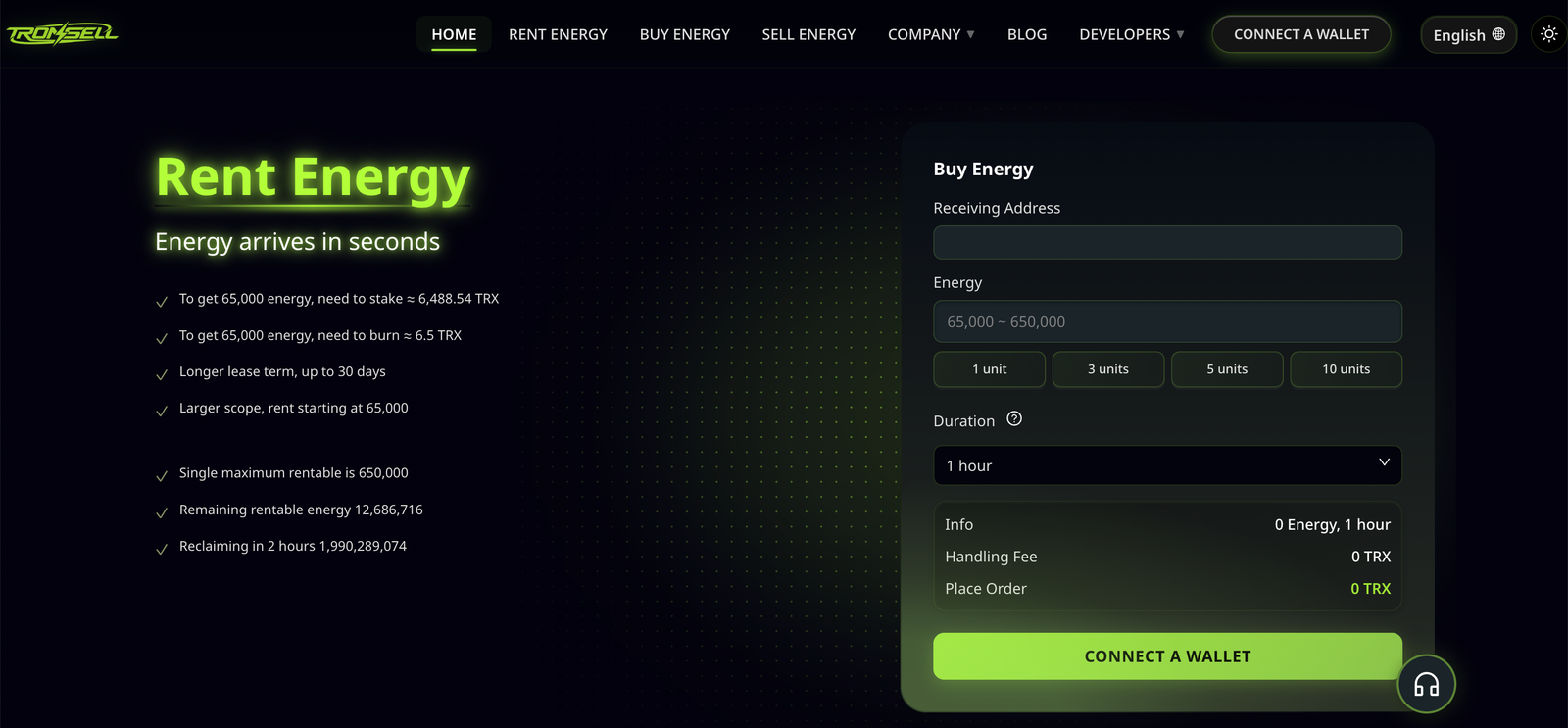
- Buy energy for that address on a rental service. We run one ourselves at Tronsell.io, and there are several independent providers; what matters is that the energy is delegated to your address.
- Wait for the delegation to land — usually seconds to a minute — and confirm it under your address’s resources on TronScan.
- Send the USDT. Check the fee line before you confirm: 0 TRX means the energy already covers this transfer.
Two traps cost people money here.
Renting to the wrong address. If you use a platform’s quick-rental feature, make sure the energy recipient on the order is your Exodus TRON address and not the platform’s own hot wallet. Energy has to be delegated to the address that actually sends the USDT, or it cannot pay for that transaction. A successful payment does not mean the energy has arrived: after ordering, check the recipient address and the delegation record on TronScan before you send.
Renting too little. If the rented energy is below what the transfer consumes, the network burns TRX from your balance to cover the shortfall — you pay the rental and part of the burn. It fails only when your TRX balance, or the fee limit set by the wallet, cannot absorb the gap. Rent 65,000 for an address that already holds USDT and 131,000 for one that never has.
What does not work
- Clicking send again. The balance check runs again and stops again. Nothing changes until TRX or energy arrives.
- Swapping USDT for TRX inside Exodus. A swap has to move the USDT out of your wallet first, and that is the contract call that needs the fee. With zero TRX, the swap is blocked as well.
- Buying TRC-20 USDT inside Exodus. Exodus only offers buy and sell for TRC-20 tokens when the TRON address already holds a TRX balance.
- Waiting. Energy only recovers daily if you have frozen TRX. With neither a freeze nor a rental, your energy stays at zero.
If the send fails for a different reason — the wallet reports out-of-energy, or the transfer broadcasts and then reverts — the cause is elsewhere, and we go through those cases in why a TRON wallet cannot send USDT.
How to stop it happening again
For any regular payout — payroll, suppliers, topping up an exchange — keep about 20 TRX available as a fee buffer, and confirm the recipient’s state before sending. If the recipient is a brand-new address, allow for the doubled case.
If you send USDT frequently, rent energy for a batch in advance instead of topping up TRX each time. Ten transfers to addresses that already hold USDT, at roughly 65,000 energy each, come to about 650,000 energy. Renting that energy for an hour is usually much cheaper than burning TRX for the same consumption. The actual cost depends on rental prices at the time and on what the contract really consumes, so leave some margin.
Quick answers
Did I lose the USDT?
No. The send was stopped before broadcast, the tokens are still in your wallet, and no fee was charged.
Can I pay the TRON fee in USDT inside Exodus?
No. Exodus settles TRON fees in TRX or in frozen resources. Some TRON wallets let a third party sponsor a “gas-free” mode for selected tokens; that is a wallet feature, not a network one, and Exodus does not have it.
Why is a TRX transfer free while a USDT transfer is not?
A TRX transfer needs bandwidth only, and 600 units arrive free every day. A USDT transfer needs energy, and TRON has no free energy allowance.
Does the fee rise when the network is busy?
TRON does not use an Ethereum-style fee auction, but the cost of a USDT transfer is not identical at all times either. It depends mainly on the state of the receiving address, the USDT contract’s current dynamic energy multiplier, and whether you hold enough energy and bandwidth. Sufficient resources remove the burn or reduce it; when they are short, you pay the network fee.
Is 7 TRX always enough?
Enough for one ordinary transfer to an address that already holds USDT. Keep 20 TRX and both cases are covered.
Sources
- TRON Developer Hub, Network parameters — getEnergyFee 100 SUN per unit of energy, getFreeNetLimit 600 bandwidth per account per day, getMaxFeeLimit 15,000 TRX. Read 22 October 2026.
- TronScan, TRON transaction fees reference — bandwidth burn rate 1,000 SUN per bandwidth point, energy burn rate 100 SUN per unit, dynamic energy multiplier up to 3.4× on heavily used contracts. Read 22 October 2026.
- CryptoTicker, Send USDT TRC20: Fees, Tronscan and Traps — fourteen consecutive USDT transfers read from the Tether contract on 27 September 2026: eleven at 64,285 energy, three at 130,285 energy, five carrying a 345,000 SUN bandwidth charge. Read 22 October 2026.
- Stronara, TRON energy calculator methodology — recipient-dependent energy split (≈64,285 vs ≈130,285), measured 19 October 2026. Read 22 October 2026.
- Exodus Knowledge Base, TRON and TRON token FAQs — bandwidth and energy, the TRON Max Network Fee shown before sending, freezing TRX in Exodus (1 TRX minimum, 14-day unfreeze), TRC-20 buy and sell requiring a TRX balance. Read 22 October 2026.
- Exodus Knowledge Base, How can I tell which network my token uses? — TRON fees paid in TRX or by freezing TRON for resources; a token swap needs the network’s main asset to send the token being swapped. Read 22 October 2026.
- Kraken, TRX to USD — TRX ≈ $0.33 on 22 October 2026, the rate used for every dollar figure in this article.
- EezyTron, TRON Energy Price Today: Burn vs Stake vs Rent — approximately 9.5 energy per staked TRX per day at October 2026 network stake. Read 22 October 2026.
- TronZap, How to rent TRON Energy in any wallet — Exodus reads an address’s resources and applies them automatically; the network fee shows 0 TRX when resources cover the transfer; energy rented through a custodial platform lands on that platform’s wallet instead of yours. Read 22 October 2026.
Disclaimer. All figures were verified on 22 October 2026 and reflect TRON chain parameters and the TRX market price on that date. Energy and bandwidth rates can be changed by network governance, and rental prices move hourly. Confirm the actual fee on the send screen or on TronScan before you transfer. This article is an educational reference, not investment or tax advice, and Tronsell.io is identified in it as one of several energy rental providers.