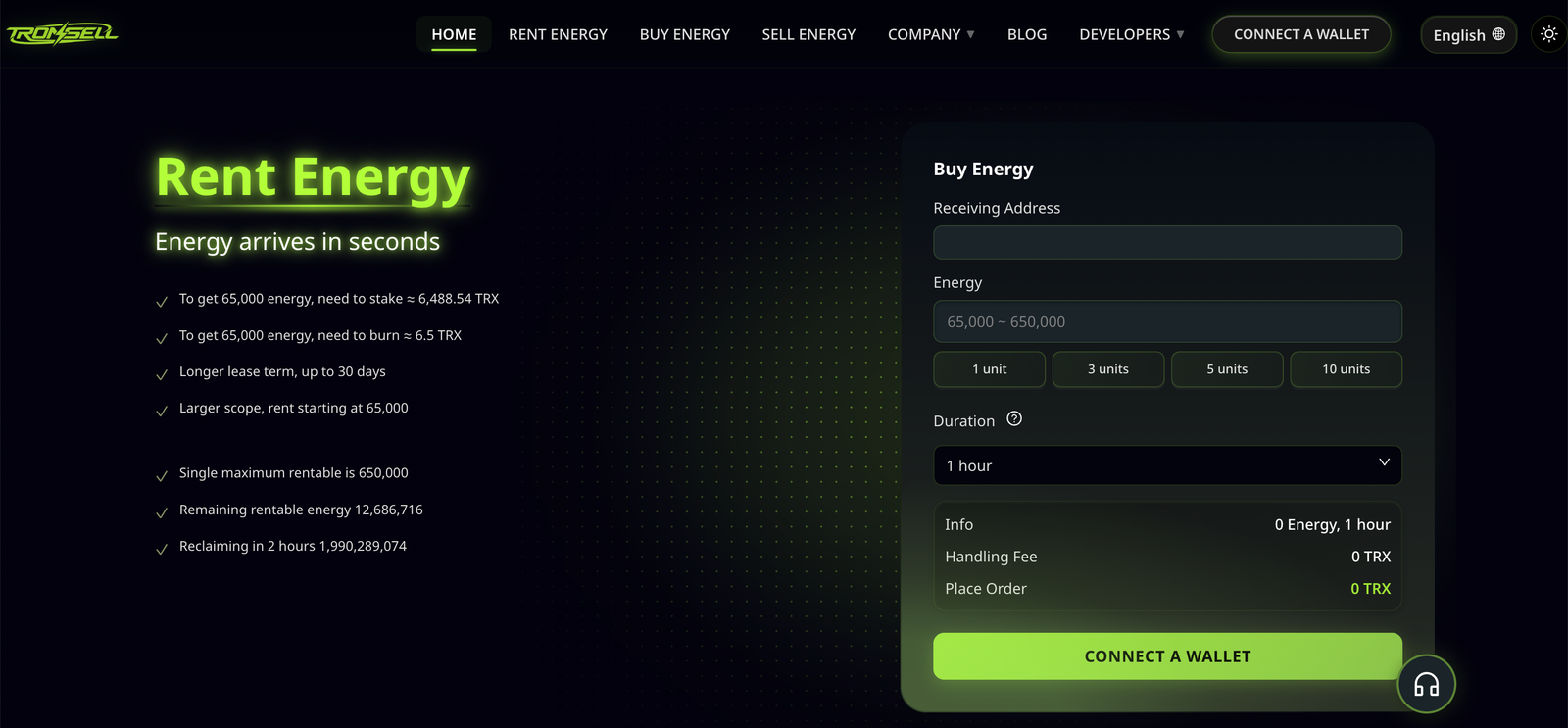
The most frustrating failure in this whole workflow is the one where the wallet shows energy, the balance looks right, and the transfer still comes back as OUT_OF_ENERGY. It reads like a bug. It almost never is. In nearly every case one of six specific mismatches is present, and each of them is visible on a block explorer in under a minute once you know which field to look at.
This is a diagnostic order for people who rent trx energy and then find it unusable. It is written as a sequence of checks rather than a list of causes, because the checks are cheap and the order matters — the first one accounts for most cases, and skipping it sends you debugging the wrong layer.
Start with the symptom, precisely
“It failed” is not a diagnosis. Three different error strings point at three different causes, and they are often reported identically by users.
| What you see | What it means | Where to look |
|---|---|---|
| OUT_OF_ENERGY | The call needed more energy than the transaction was allowed to spend | Energy on the signing address, and the fee limit |
| BANDWITH_ERROR / bandwidth is not enough | Bytes, not compute — a separate resource | Bandwidth on the signing address |
| REVERT / contract error | The contract rejected the call; energy was still consumed | Contract state, not your energy balance |
| Account not activated | The recipient has never existed on chain | Recipient, not sender |
Two of these are resource problems and two are not. Confirm which one you have before touching anything, because adding more energy to a REVERT does nothing except burn it faster.
Check 1: is the energy on the address that signs?
This is the most common cause by a wide margin among teams that rent trx energy, and it is structural rather than accidental. Energy delegated to an address can only be spent by that address. If you rent trx energy onto a treasury address, a billing address, or the address your provider defaulted to, and then sign the transfer with a different hot wallet, you will see energy in the account panel and be unable to use a single unit of it.
How to confirm: open the signing address in a block explorer and look at the resources panel. Then open the address the provider says it delegated to. If they differ, you have found it.
The fix is not a support ticket, it is an architecture change: every address that signs transfers needs its own delegation. There is no way to pool energy, no way to forward it, and no way to move it between addresses except by having the provider undelegate and redelegate — which costs time you may not have.
This is also why multi-wallet operations fail in batches rather than singly: the provider delegated correctly, just to the one address that never signs. The pattern of allocating energy across many wallets covers how to structure it so this cannot happen.
Check 2: did the delegation expire or get reclaimed?
A rental is a delegation with a return address. The provider can undelegate at any time, and the energy disappears in the next block. There is no notification, no event your wallet surfaces, and no grace period.
How to confirm: look for an UnDelegateResource transaction from the provider’s staking address to yours, and read its block timestamp. If it landed before your transfer attempt, the case is closed — the energy was there and then it was not.
The tell is timing. Failures clustered right after a long-idle period, or during a market-wide congestion spike, usually mean a reclaim rather than a sizing error. Sizing errors fail on specific transfers; reclaims fail on everything from a certain minute onward.
Check 3: is the fee limit capping you below your available energy?
This one is widely missed, and it produces OUT_OF_ENERGY on an address that visibly holds more than enough energy. The protocol computes the caller’s usable energy as the minimum of two numbers: the energy you actually hold (staked, delegated, plus what your TRX balance could burn), and the energy that your fee_limit would buy at the current price.
So a transfer that sets a fee limit of 10 TRX is capped at 100,000 energy, no matter how much delegated energy is sitting on the address. If the call needs 130,285 units because the recipient is fresh, the transaction fails while the wallet shows millions of units available.
| fee_limit | Energy it authorises (at 100 sun) | Enough for |
|---|---|---|
| 5 TRX | 50,000 | Nothing useful — below the standard transfer tier |
| 10 TRX | 100,000 | A 64,285 transfer, not a 130,285 one |
| 15 TRX | 150,000 | Either tier, with headroom |
| 30 TRX | 300,000 | Either tier plus a contract call |
The mainnet cap on fee_limit is 15,000 TRX, so there is plenty of room. The mistake is setting it low as a safety habit — a reasonable instinct with gas-based chains, and a trap here when combined with rented energy. A fee limit does not cost you anything if unused; it only caps what you are allowed to spend.
Practical setting: compute the energy you expect, multiply by 1.5, convert at 100 sun, and use that. Then check it against your provider’s delegation amount. If the limit is below the delegation, the delegation is partly decorative.
Check 4: energy versus bandwidth
They are separate resources with separate prices and separate failures, and this is the second most common reason people who rent trx energy see a transfer rejected. Energy pays for computation; bandwidth pays for the bytes of the signed transaction, about 345 bytes for a USDT transfer. Every address gets 600 free bytes per day, which covers roughly two transfers, and that is it.
The confusion is understandable because most users rent energy and then assume it covers everything. It does not. A transfer on an address with abundant delegated energy but exhausted bandwidth fails on bandwidth, and depending on the wallet the message may be generic enough to send you looking at the wrong number entirely.
How to confirm: the resources panel lists both. If bandwidth shows zero used-but-available and the free allowance is gone, you are burning TRX for bytes at 1,000 sun per byte. It is small per transaction and material per batch — and it is the one line item that no energy rental will ever cover.
Check 5: is the recipient in the expensive tier?
Two transfers of the same token cost different amounts depending on the recipient’s state. Sending USDT to an address that already holds USDT takes 64,285 energy. Sending to an address with a zero balance takes 130,285, because the transfer must write a storage slot that does not exist yet.
How to confirm: check the recipient’s token balance before the transfer. Zero balance means the expensive tier. A brand-new, never-activated address adds a further wrinkle — the account has to be created, which carries its own fee — so it is worth knowing which case you have rather than assuming they are the same.
The pattern this produces, for anyone who rents trx energy in fixed batches, is diagnostic in itself: if a batch fails only on transfers to new customers and succeeds on transfers to existing ones, the problem is the tier, not the rental. The dated reference values for both tiers are in the parameter cheatsheet, and they are worth re-checking whenever a batch starts behaving oddly, because these numbers change with governance proposals.
Check 6: is the call actually a plain transfer?
A USDT transfer is one kind of call. An approval, a transfer executed by a contract on someone’s behalf, or a transfer of a different TRC-20 token with more logic in it, costs a different amount. Teams that rent trx energy sized for a standard transfer and then run an approval-heavy flow discover the difference at the worst moment.
Two specific cases worth knowing when you rent trx energy for a high-volume desk. An approval followed by a transfer executed through a contract consumes energy for both steps, and if the sending address differs from the approving address, each needs its own resources. And tokens other than USDT have their own energy profiles — a number that is correct for one contract is not transferable to another.
How to confirm: open a historical successful transaction of the exact same type and read the energy consumed. Compare it with what you rented. Reusing a number from a different call type is the single most common way an estimate goes wrong by 30%.
The five-check order, condensed
| # | Check | Cost to check | Covers |
|---|---|---|---|
| 1 | Energy on the signing address? | 10 seconds | Most cases |
| 2 | Delegation still live? | 20 seconds | Sudden total failures |
| 3 | fee_limit above the needed energy? | 30 seconds | Failures despite visible energy |
| 4 | Bandwidth separate and sufficient? | 15 seconds | Byte-level failures |
| 5 | Recipient tier and call type? | 1 minute | Intermittent, recipient-specific failures |
Work top to bottom whenever you rent trx energy and a transfer fails with no obvious cause. The cost of each check is small, and the first two resolve the majority of reports. Going straight to “buy more energy” is the one move that reliably makes things worse, because it hides the cause and adds cost.
A worked case: three failures the day after you rent trx energy
A desk rents five million units for the day, sends two hundred transfers successfully, then fails three in a row at 14:20. The wallet shows 1.2 million units remaining. Nothing changed on the recipient list, and no one touched the configuration.
Working the order: the energy is on the signing address, so check one is clear. The delegation is still live, so check two is clear. The fee limit, inherited from an old template, sits at 8 TRX — which authorises 80,000 units, below the 130,285 a fresh recipient needs. The three failures were simply the first three transfers to new addresses that afternoon. Nothing expired, nothing was mis-delegated, and buying more energy would have fixed nothing at all.
That case is worth remembering because it inverts the usual instinct. When you rent trx energy, the resource you are short of is not always the resource you are missing.
When renting again is the wrong fix
Three situations where the answer is not more energy:
The address has energy and the call still fails. Either the fee limit is capping you or the call type changed. Renting more does not raise the fee limit.
Failures are concentrated on one recipient or one token. That is a contract-level problem. More energy will be consumed by the same failure.
You are failing on bandwidth. Energy rentals do not touch bandwidth. The fix is staking TRX for bandwidth or accepting the burn — and staking for bandwidth returns several times more value per TRX locked than staking for energy does.
Prevention: three settings that remove most of these
Set the fee limit from a computed energy estimate with headroom rather than from habit — the single highest-value change for anyone who rents trx energy through a template. Assert in your code that the delegation landed on the address that signs — one read call, checked at startup, not trusted. And log the recipient tier alongside every transfer, so that a change in your customer mix shows up as a shift in the numbers rather than as a mystery failure.
None of this is exotic. It is the difference between a queue that fails visibly and one that fails silently, and the pre-flight checklist turns the same checks into a sequence you run before an order rather than after a failure. If you are still choosing how much to rent and for how long, the mechanics are in the full guide to rent trx energy.
Frequently asked
Why does my wallet show energy that a transaction will not use? Almost always because the energy is on a different address from the one signing, or because the fee limit caps spending below the visible balance.
Does delegated energy arrive instantly? It becomes spendable at the next block after the delegation confirms. Delivery delay is on the provider’s side, not the protocol’s.
Can a failed transaction consume rented energy? Yes. Energy spent before the failure is consumed and is not returned to the delegator.
Can I move delegated energy to another wallet? No. Only the staker can delegate, and delegated energy cannot be forwarded.
Is it cheaper to just burn TRX when a transfer fails? For a single transfer to a fresh address, sometimes yes — but only if the fallback balance is there. A hot wallet with no TRX has no fallback, which is why keeping a small reserve is worth the small risk.